
An IT closet cleanout is a short project with a long tail. Inventory every device, decide what each one becomes, sanitize anything that held data, send the rest to compliant recycling, and keep paperwork that proves it. Skip the paperwork or the sanitizing and the closet is only tidy, not safe.
TL;DR
- Inventory first: serial numbers, drive types, location, owner and data classification for every item.
- Give each asset one decision before it moves: redeploy, sell, donate, recycle, dispose or hold.
- Handle batteries and state e-waste rules deliberately, since they vary by state.
- Keep a certificate per asset, then set up a labeled hold area so the pile does not return.
Table of Contents
- Start with an inventory, not a dumpster
- Plan the work so operations keep running
- Decide what each asset becomes
- Sanitize by data sensitivity
- Know which rules apply
- Keep records that survive an audit
- Our perspective
- Get the gear out with a compliant partner
- Stop the pile from coming back
- FAQ
- Sources
Start with an inventory, not a dumpster
Walk every room, closet, server room and storage area in scope. For each item, record its condition, ownership, planned disposition, serial number, drive type and data classification, as office decommissioning guidance recommends. EPA’s guidance on federal electronics adds equipment age, installed hardware and software, and location, because those details drive redeployment, refurbishment and purchasing decisions.
A simple spreadsheet works. Columns that pay off later: asset tag, serial, device type, age, location, data-bearing (yes/no), classification, decision, destination, certificate number.
If you are planning a larger retirement, our IT end-of-life disposal steps cover the coordination side in more depth.
Plan the work so operations keep running
IT closets hold live gear. Before anyone pulls a cable:
- Power: OSHA requires live parts that employees may be exposed to be de-energized before work, unless an exception applies, with lockout or tagging and verification by a qualified person. Only qualified people touch anything still energized.
- Timing: schedule disruptive work off-peak and protect elevators, hallways and finished floors, as facility cleanout planning advises.
- Safety: identify hazards such as batteries and lamps up front, and require PPE and proper lifting.
- Contents: EPA notes that circuit boards, batteries and other components often contain toxic materials such as lead, mercury and cadmium, so nothing goes in general trash.
Before removal, collect peripherals and cables, and pull external media such as disks, CDs, DVDs and USB drives. EPA’s recycling guidance also calls for sanitizing internal and external media and documenting property disposition.
Decide what each asset becomes
Every item needs a current decision before it leaves: keep, move or return, sell, donate, recycle, dispose or hold. EPA’s perspective is reuse first: good inventory visibility helps you avoid premature disposal.
| Asset condition | Usual route |
|---|---|
| Current, supported, still useful | Redeploy internally |
| Newer, working, sanitized | Asset recovery for value |
| Old but functional | Donate or refurbish after sanitization |
| End of life or broken | Compliant recycling |
| Failed drives, sensitive media | Physical destruction |
| Unclear ownership or legal hold | Labeled hold, with a review date |
For the value route, see our IT asset recovery page.
Sanitize by data sensitivity
The FTC warns that discarded data can be a gold mine for identity thieves and recommends securely erasing old computers and portable storage.
The choice starts with the information, not the device. The medium then decides which technique can actually achieve that outcome.
Verify the work. For a closet with a few dozen drives, on-site hard drive destruction lets your team watch it happen.
Know which rules apply
- Batteries: EPA says most lithium-ion batteries are likely hazardous waste at end of life and recommends businesses consider managing them under the universal-waste rules in 40 CFR Part 273. State rules may be stricter. UPS batteries and laptop packs from the closet count. See our lithium battery disposal rules.
- State e-waste law: requirements vary significantly by state, with some states using landfill bans or producer responsibility models. Check your state before choosing a route, and see our electronic disposal regulations list.
- Credit information: companies covered by the Fair Credit Reporting Act must follow the Disposal Rule, which requires secure destruction of credit reports and information derived from them.
If you need a legal read on your obligations, ask your counsel or compliance officer.
Keep records that survive an audit
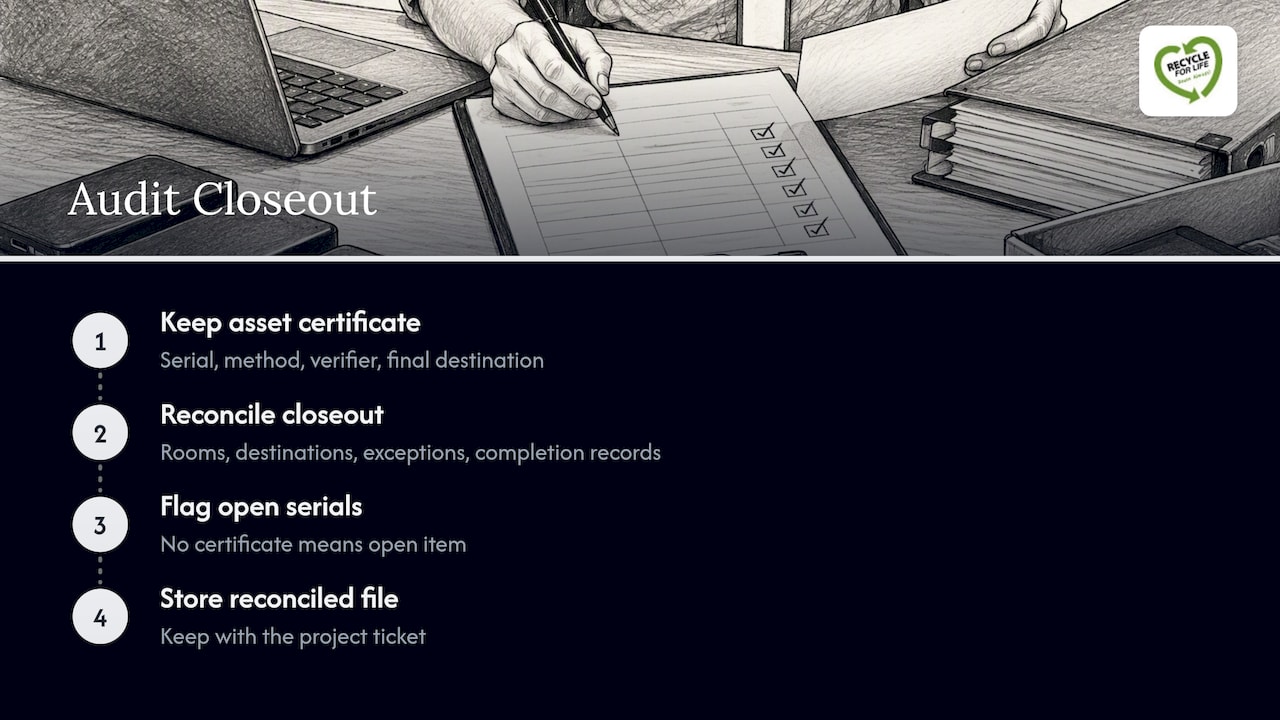
It should show the serial number, the method, who verified it and where the equipment finally went.
At closeout, reconcile each room, destination, exception and completion record against your starting inventory. Any serial number without a certificate is an open item. Store the reconciled file with the project ticket.
Our perspective
Most closet cleanouts we see go wrong in the same place: the inventory exists, but nobody tied it to the certificates. Then an auditor asks where a drive went and the answer is a guess. We built our process around the opposite habit: a Certificate of Recycling for every pickup, your serial list attached when you supply one, and on-site destruction when the drives are too sensitive to leave the building. We would rather you do fewer devices with proof than a whole room without it.
Get the gear out with a compliant partner
We handle business pickups, on-site destruction for 50+ hard drives, recycling at an EPA-registered facility, and upfront payment when your retired IT assets have value. We are registered with California’s Department of Toxic Substances Control. Send us your inventory and we will quote by materials and services.

Start with our IT asset recovery and recycling services, or go straight to on-site data destruction.
Stop the pile from coming back
Create a secure, labeled hold area with set capacity, access, custody, review dates and escalation, as cleanout checklists suggest. Otherwise it becomes an undocumented second storage room. Practical rules: one named owner, a cap on shelf space, a monthly review, and a standing pickup schedule so retired gear leaves within weeks, not years.
FAQ
How often should we clean out the IT closet?
Quarterly reviews of the hold area work for most organizations, with a full cleanout once a year or at each hardware refresh. Tie it to your asset lifecycle so retired devices have a leaving date when they are retired.
Do we need to destroy every hard drive?
No. Destroy drives that failed, cannot be verified, or held highly sensitive data. Let data sensitivity decide, then keep a certificate either way.
Can we just drop old equipment at a local recycler?
Only if you get serial-level documentation and the recycler meets your state’s rules. A drop-off with no receipt leaves you unable to prove where data-bearing devices ended up.
What do we do with old UPS and laptop batteries?
Keep them separate, protect terminals, and route them as hazardous or universal waste under federal and state rules. Do not put them in regular trash or mixed e-waste bins.
Sources
- Reuse of Federal Electronic Equipment (EPA)
- OSHA 1910.333
- EPP Update, Electronics Management (EPA)
- Recycling Electronics Responsibly in the Federal Community (EPA)
- Protecting Personal Information: A Guide for Business (FTC)
- EPA lithium battery guidance, May 2023
- Broad Overview of E-Waste Management Policies in the U.S. (EPA)
- Stick with Security (FTC)