
IT asset disposition (ITAD) is the structured, documented process of retiring end-of-life hardware while protecting the data on it, recovering whatever financial value remains, and meeting environmental and legal obligations along the way. It’s not a single event. It’s a discipline that touches security, financial recovery, and compliance every time a laptop, server, or drive leaves your environment.
Three things have to happen correctly for ITAD to work:
- Data security: sanitize or destroy storage media and get a certificate proving it happened.
- Financial recovery: refurbish and resell what still has market value instead of scrapping it.
- Compliance and sustainability: route everything else through certified recyclers with manifests and audit trails.
Treat ITAD as a one-off cleanup project and you’ll eventually get burned. The teams that handle this well build it into their ongoing IT asset management (ITAM) processes, not as a special project that happens whenever a closet fills up with old laptops.
Key Takeaways
IT asset disposition works when data sanitization, financial recovery, and compliance documentation are handled as one continuous process instead of three separate afterthoughts.
| Point | Details |
|---|---|
| Match method to media | Use cryptographic erase or destruction for SSDs and NVMe; overwriting alone doesn’t reliably sanitize flash storage. |
| Document everything | Certificates of destruction need serial numbers, method, timestamp, and signature to hold up in an audit. |
| Vet vendor certifications | Confirm R2 or e-Stewards certification for any downstream recycler before signing a contract. |
| Treat ITAD as ongoing | Build disposition into ITAM workflows with quarterly cadences instead of handling it as one-off cleanup events. |
| Choose a provider with proof | Usedcartridge offers on-site destruction, certified recycling, and asset recovery payouts backed by signed documentation. |
Table of Contents
- What Falls Under IT Asset Disposition
- Why ITAD Matters More Than Most Teams Realize
- The Core ITAD Process, Step by Step
- Building an ITAD Policy That Actually Holds Up
- Choosing an ITAD Provider: What to Check Before You Sign
- How a Seasoned Provider Actually Runs a Disposition Project
- Get Audit-Ready Disposition Without Building It Yourself
- Frequently Asked Questions
- Sources
What Falls Under IT Asset Disposition
ITAD covers more ground than most people assume when they first hear the term. It’s not just “old computers.” A proper disposition program accounts for every device and storage medium that could hold sensitive data or carry resale value, and it maps out who signs off at each step.
The typical inventory includes:
- Desktops, laptops, and workstations
- Servers and networking equipment (switches, routers, firewalls)
- Mobile devices and tablets
- Storage arrays, backup tapes, and removable drives
- Printers and multifunction devices with internal storage
- IoT endpoints and smart peripherals
- Batteries and power supplies
Ownership shifts as an asset moves through the pipeline. IT typically flags the equipment as retired and pulls it from active inventory. Security signs off on the sanitization method. Compliance confirms retention requirements have been met before anything leaves the building. Finance needs the asset removed from the books, and facilities usually coordinates the physical pickup. Procurement sometimes gets pulled in too, especially when a vendor contract ties disposition terms to a lease agreement.
Each asset class has a different likely outcome. A three-year-old laptop with a healthy battery and working screen is a resale candidate. A failed hard drive with no resale value goes straight to certified recycling, but only after the platters are destroyed. A five-year-old server might get harvested for components before the chassis heads to a shredder.
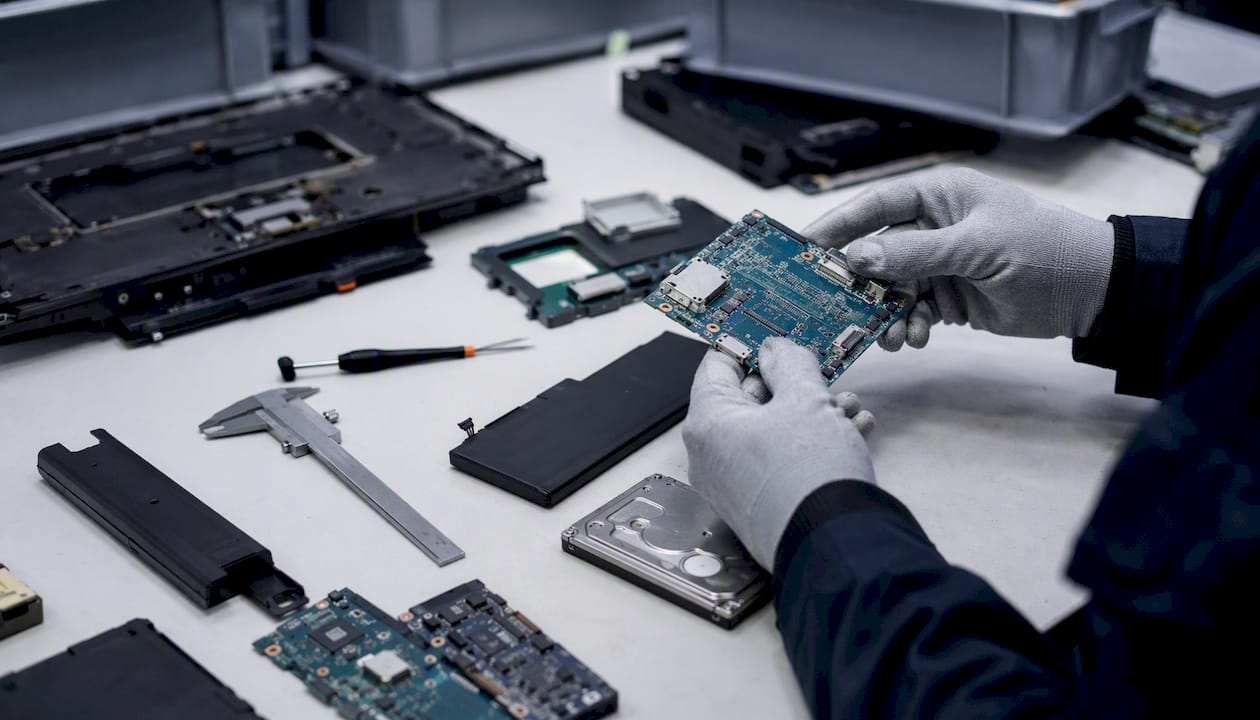
Pro Tip: Before you write disposition policy, run a quick scope check on every device type you own. Ask three questions: does it store data, does it have resale value, and is there a legal hold on it? The answers determine the entire outcome path.
Why ITAD Matters More Than Most Teams Realize
Skip proper disposition and you’re gambling with data that never should have left the building intact. Drives that get resold, donated, or scrapped without sanitization routinely still contain recoverable files, credentials, and configuration data. That’s the scenario ITAD exists to prevent.
The risks split into four categories:
- Security exposure: unsanitized drives are a direct path to credential leakage and data breaches, often discovered only after equipment has already changed hands.
- Regulatory exposure: data privacy rules increasingly expect documented retention and erasure practices, and NIST SP 800-88 has become the reference standard auditors check against.
- Environmental exposure: e-waste is a mounting public health concern, and the World Health Organization has flagged it as a growing hazard tied directly to how electronics get discarded.
- Financial exposure: assets scrapped instead of remarketed leave real money on the table, and fines for mishandled data disposal tend to dwarf whatever was saved by skipping proper controls.
The e-waste angle deserves more attention than it usually gets. The World Economic Forum frames the growing volume of discarded electronics as both a material risk and a genuine recovery opportunity. Better downstream processing recovers metals and materials that would otherwise sit in a landfill leaching into groundwater.
Weigh the two sides and the case for investing in proper disposition writes itself. A sanitized, remarketed laptop generates revenue and closes a compliance gap simultaneously. A laptop dumped into a scrap pile with an intact drive does neither, and it creates liability that can surface years later.
The Core ITAD Process, Step by Step
A functioning disposition workflow follows a consistent sequence, whether you’re retiring five laptops or decommissioning an entire data center.
- Disposition request and approval. Someone flags the asset as ready for retirement, and an approver (usually IT or security) signs off before anything physically moves.
- Asset tagging and chain of custody begins. Every unit gets logged with its serial number, and a documented chain of custody starts here, not at pickup.
- Transport to processing. Whether it’s an internal move to a secure staging area or a scheduled pickup, the transport step needs its own security controls.
- Sanitization method selection. This is where media type dictates the approach.
- QA verification. Someone other than the technician who performed sanitization confirms it worked.
- Remarketing, recycling, or destruction. The asset follows its determined outcome path.
- Documentation issuance. A certificate of destruction or recycling manifest closes the loop.
Sanitization method choice is where technical judgment matters most. NIST SP 800-88 breaks this into clear tiers: clear (a basic overwrite, fine for low-sensitivity data on media being reused internally), purge (cryptographic erase or degaussing, appropriate for most enterprise drives leaving your control), and destroy (physical shredding or disintegration, required when data sensitivity is high or the media can’t be verified as sanitized).
| Method | Best fit | Strengths | Limitations | Audit evidence |
|---|---|---|---|---|
| Logical/overwrite wipe | HDDs, some SSDs | Preserves hardware for resale | Slower on large drives; unreliable on some SSDs | Software log, pass/fail report |
| Cryptographic erase | Encrypted SSDs, NVMe | Fast, effective on flash media | Requires drive to support native encryption | Erase confirmation log |
| Degaussing | Magnetic media (HDDs, tapes) | Fast, high-volume capable | Destroys drive functionality; ineffective on SSDs | Degausser output log |
| Physical destruction | Any drive with no resale value | Eliminates recovery risk entirely | No resale value recovered | Certificate of destruction, video/photo proof |
The certificate of destruction itself should list asset serial numbers, the sanitization method used, a timestamp, technician signature, and the recycler’s certification number if the item moved downstream.
Pro Tip: Don’t apply HDD logic to SSDs and NVMe drives. Overwriting an SSD multiple times doesn’t guarantee full sanitization the way it does on a spinning disk, because wear-leveling can leave data in reserve blocks untouched. Cryptographic erase or physical destruction is the safer default for flash storage.
Building an ITAD Policy That Actually Holds Up
Good policy removes ambiguity before a disposition event happens, not during it. The essentials to lock down in writing:
- Approval workflow: who signs off at each stage, with named roles, not just departments.
- Asset tagging and tracking: a consistent ID scheme tied into your ITAM system from procurement through disposal.
- Classification by sensitivity: which asset types require destruction versus which can be wiped and remarketed.
- Approved sanitization methods: mapped explicitly to media type, referencing NIST SP 800-88.
- Vendor certification requirements: R2 or e-Stewards certification as a baseline for any downstream recycling partner.
- Retention timelines: how long certificates and manifests stay on file, since a single blanket retention policy rarely matches what different data classifications actually require.
Operationally, decide upfront whether sensitive media gets sanitized on-site or shipped to a vendor facility. On-site destruction removes transport risk entirely for high-sensitivity data. QA sampling matters too: spot-check a percentage of sanitized drives rather than trusting the process blindly.
Cadence varies by volume. High-turnover environments often run quarterly bulk retirements for routine equipment, while sensitive assets (finance servers, HR systems) get disposed of individually as they’re decommissioned, with tighter documentation each time.
Timeline and cost scale with complexity. A typical batch of laptops might move from request to certificate in under a few weeks. A full data center decommission with hundreds of drives, custom chain-of-custody requirements, and on-site destruction can run several weeks and cost considerably more per unit, mostly due to logistics and verification overhead rather than the destruction itself.
Choosing an ITAD Provider: What to Check Before You Sign
The gap between a solid ITAD vendor and a risky one usually shows up in the paperwork, not the sales pitch. Anyone can promise “secure and compliant.” Fewer can produce proof.
Screen providers against these criteria:
- Documented chain-of-custody process from pickup through final disposition
- On-site destruction capability for high-sensitivity media
- Certificate formats that include serial numbers, method, timestamp, and signature
- Downstream recycler certifications (R2, e-Stewards) that you can independently verify
- Data erasure tools matched to media type, not a one-size-fits-all wipe
- Adequate insurance and clearly stated liability limits
- Transparent asset recovery and payout practices
Ask providers directly: What sanitization method do you use for SSDs versus HDDs? Can you provide a sample certificate before we sign? Who certifies your downstream recycling partners? Will you provide audit access or references on request?
Red flags are usually easy to spot once you know to look. A vendor that can’t produce a chain-of-custody document, offers vague or unsigned certificates, can’t name a certified downstream recycler, or asks you to accept a blanket statement instead of a signed manifest should be disqualified immediately, regardless of price.
How a Seasoned Provider Actually Runs a Disposition Project
A mature ITAD operation follows a consistent structure from the first pickup call to the final certificate. Equipment gets received and logged against a manifest, sensitive media gets flagged for the strictest sanitization tier available, destruction or wiping happens with documented QA, and everything closes out with signed proof delivered back to the client before the asset is removed from their books.
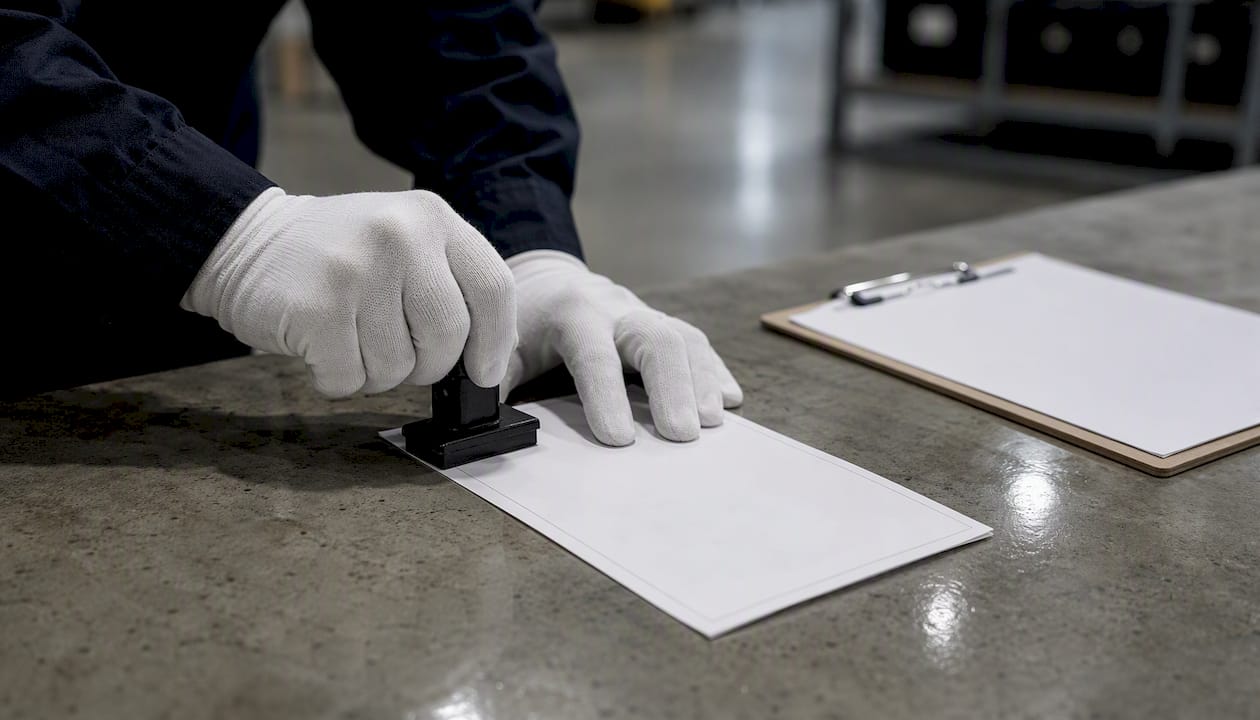
A typical case outline looks like this: a mid-size office decommissions numerous workstations, on-site drive shredding handles the sensitive units, the remaining chassis get refurbished and resold, and the client receives a signed certificate of destruction alongside a recycling manifest and a value recovery statement.
The certificate you should expect to receive lists asset IDs, serial numbers, sanitization method, technician signature, timestamp, and the downstream recycler’s certification number.
Pro Tip: Upload every certificate of destruction directly into your ITAM asset record the same day you receive it. Retrieving a certificate months later during an audit, after it’s buried in someone’s inbox, is exactly the scenario that turns a routine audit into a stressful one.
A Practitioner’s Take on What Actually Breaks ITAD Programs
The programs that fail aren’t usually missing a policy document. They’re missing follow-through. Teams write a solid ITAD policy, then treat every actual disposal as a one-off exception because “this batch is different.” It isn’t. Sample-audit a handful of vendor certificates every quarter instead of trusting every one blindly, and never let finance close out an asset retirement until the certificate is attached to the record. That single rule catches more gaps than any policy rewrite.
Get Audit-Ready Disposition Without Building It Yourself
Most of what this guide covers, chain-of-custody documentation, sanitization matched to media type, certified downstream recycling, comes standard with Usedcartridge’s disposition process instead of something you have to assemble vendor by vendor. Usedcartridge handles secure on-site and off-site data destruction, certified e-waste recycling, and IT asset recovery with a direct payout for equipment that still has resale value, backed by the audit-ready certificates this article recommends you insist on.

That means no piecing together a shredding vendor, a separate recycler, and a third company for asset resale. One provider, one chain of custody, one certificate trail your finance team can attach to the retirement record the same day. If you’re planning a batch retirement or a full decommission, request a quote for your disposition project and get a clear picture of recovery value and timeline before you commit to anything.
Frequently Asked Questions
What is IT asset disposition in simple terms?
It’s the documented process of retiring IT hardware securely, recovering resale value where possible, and disposing of what’s left through certified, compliant channels.
Is ITAD the same as e-waste recycling?
No. Recycling is one possible outcome within ITAD, used when an asset has no remarketing value. ITAD itself covers the entire governance process, including data sanitization and chain of custody.
How long should certificates of destruction be kept on file?
Retention periods depend on the regulation and data classification involved, so a single fixed timeline rarely fits every asset type. Check with legal or compliance teams for the specific requirements that apply to your records.
Do I need physical destruction for every drive, or is wiping enough?
It depends on data sensitivity and media type. NIST SP 800-88 allows overwriting for lower-sensitivity data on media staying in use, but recommends purging or destruction for anything leaving your control, especially SSDs where overwriting alone isn’t reliable.
What should I look for in an ITAD provider’s certificate of destruction?
Asset serial numbers, the exact sanitization method used, a timestamp, a technician signature, and the certification number of any downstream recycler involved.
Sources
- What Is IT Asset Disposition (ITAD)? – TechTarget
- NIST Special Publication 800‑88 Revision 1: Guidelines for Media Sanitization
- Electronic waste (e‑waste) fact sheet – WHO
- The enormous opportunity of e‑waste recycling – World Economic Forum