
Video alone proves nothing to an auditor.
TL;DR:
- Video footage must be timestamped, tied to a signed Certificate of Destruction, and include metadata such as item serials and hashes to be audit-proof.
- In-person witnessing provides the highest credibility for sensitive assets, while streamed or recorded footage can suffice for routine destruction with proper tamper safeguards.
- Effective destruction videos show pre- and post- destruction details, including serial numbers, the actual destruction process, and output verification, all with consistent metadata.
Table of Contents
- What Is a Certificate of Destruction, and How Does Video Support It?
- Should Destruction Be Witnessed In Person, Streamed, or Just Recorded?
- What Should the Video Actually Show?
- How Do You Build Records That Match the Video?
- What Standards and Regulations Govern Destruction Evidence?
- How Do You Capture Video That Holds Up Under Scrutiny?
- How Long Should You Store Video Evidence, and How Do You Deliver It?
- What Does a Complete Audit-Ready Package Look Like?
- How Recycle for Life Handles Witnessed Destruction for Enterprise Clients
- Get an Audit-Ready Destruction Package From Recycle for Life
- Authoritative Standards and Government Guidance
- Sources
- FAQ
What Is a Certificate of Destruction, and How Does Video Support It?
A Certificate of Destruction (CoD) is the formal, signed record that an item was destroyed on a specific date, by a specific method, at a specific location. It’s the document an auditor files. Video is the evidence that backs it up. Neither one stands alone: a CoD without supporting footage or logs is just a claim, and raw video without a CoD is just clips nobody can trace to a specific asset.
A defensible CoD needs to include:
- Item identification (make, model, serial number, or asset tag)
- Quantity destroyed and unit of measure (units, pounds, drives)
- Date, time, and physical location of destruction
- Name and signature of the authorized person overseeing the process
Reference the supporting video directly inside the CoD. List the file name, the relevant timecode range, and a checksum or hash value for that file. That single addition turns a CoD from a paper claim into something an auditor can cross-check in minutes. Our own Certificate of Destruction breakdown covers field-by-field formatting if you’re building templates from scratch.
Should Destruction Be Witnessed In Person, Streamed, or Just Recorded?
Auditors generally rank witnessing methods by how hard they are to fake, and each option trades certainty for convenience.
- In-person witnessing. A client representative or third-party auditor physically observes the destruction. This is the gold standard for high-sensitivity data (financial records, protected health information, classified materials) because there’s no gap between the act and the observation. It’s also the most expensive and logistically demanding option, since it requires scheduling a human to be present.
- Live-streamed witnessing. A real-time video feed lets a remote compliance officer or auditor watch destruction as it happens, without travel. This closes most of the credibility gap of in-person witnessing at a fraction of the cost, and it tends to reduce follow-up audit questions because the auditor can request access to the archived stream later. The trade-off is security: a live feed needs access controls so the wrong people don’t end up watching a destruction machine eat sensitive assets, and connectivity failures can leave gaps in the record.
- Recorded-only capture. Footage is captured during destruction but reviewed later rather than watched live. This is the most common approach for routine, lower-sensitivity destruction runs, but it only holds up if the file carries tamper-resistance measures like write-once storage, a cryptographic hash generated at capture, and a secure upload log showing exactly when the file left the camera and landed in storage.
What Should the Video Actually Show?
Auditors validating a destruction event want to see a continuous story, not a highlight reel. Missing any of the following steps is the single most common reason a video gets rejected during an audit.
File-level metadata matters as much as the footage. Preserve the original timestamp, GPS coordinates if available, device ID of the recording equipment, and a checksum or hash generated immediately after capture. Auditors and compliance teams consistently prefer packages where a single item’s serial number maps cleanly to one video timecode and one CoD line, because that mapping is what turns a 40-minute video into a two-minute verification instead of a scavenger hunt.
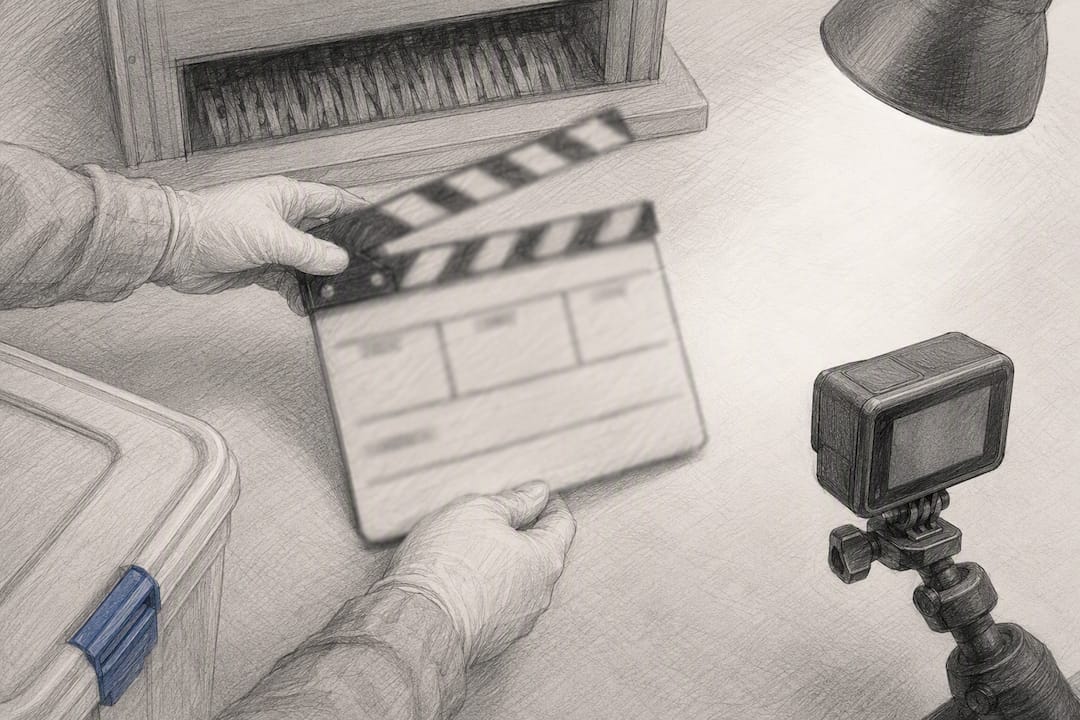
Pro Tip: Film a slate at the start of each destruction run, a handwritten or printed card showing the date, job number, and operator name, the same way film sets use a clapperboard. It costs nothing and instantly anchors the footage to a specific job if the file metadata is ever questioned.
How Do You Build Records That Match the Video?
A perfect destruction video means nothing if there’s a three-day gap between pickup and destruction with no log showing where the equipment sat.
Log the following at every handoff point:
- Pickup: who collected the assets, from where, and what was on the initial inventory
- Transport: vehicle or carrier used, departure and arrival times
- Transfer of custody: signature of the person releasing the assets and the person accepting them
- Destruction: operator name, equipment used, start and end time
Our guide to witnessed hard drive destruction walks through the exact documentation procurement teams request before signing off on a vendor.
What Standards and Regulations Govern Destruction Evidence?
Four references come up repeatedly when auditors evaluate a destruction package, and each one expects something slightly different from your documentation.
- HHS HIPAA disposal guidance requires covered entities to properly dispose of protected health information and to retain records supporting the disposal action, meaning healthcare organizations need documentation that survives a compliance review, not just proof the drives are gone.
- EPA’s RCRA framework governs handling and disposal of regulated hazardous materials, and the EPA’s own enforcement data shows regulators treat incomplete disposal records as evidence of noncompliance in their own right, separate from whatever actually happened to the material.
How Do You Capture Video That Holds Up Under Scrutiny?
Forensically defensible footage isn’t about production value. It’s about eliminating gaps an auditor could question.
- Equipment and settings. Use a fixed camera or tripod, not handheld, shooting at 1080p or higher with a continuous, unedited recording. Avoid cuts entirely. A single unbroken take from setup through destruction is worth more than a polished, edited version.
- Tamper resistance. Upload footage to write-once storage immediately after capture, generate a cryptographic hash at upload, and keep an access log showing every person who touched the file afterward. A vendor attestation confirming the file hasn’t been altered since capture adds another layer auditors respond well to.
Pro Tip: Never edit destruction footage, even to trim dead air. A single visible cut is enough for a skeptical auditor to question the entire file’s integrity, no matter how legitimate the edit actually was.
How Long Should You Store Video Evidence, and How Do You Deliver It?
Store original video files in encrypted, access-controlled archives, not on a shared drive anyone in the office can browse. Retention timelines should match whatever regulatory framework applies. HIPAA-covered entities typically hold records for multiple years consistent with regulatory expectations; other sectors set shorter or longer windows depending on contract terms or state law.
- Deliver the original file alongside its checksum so the recipient can confirm the copy matches the source
- Offer redacted copies when a request involves sensitive facility footage that shows more than the destruction itself
- Use secure transfer methods with logged access, never an unprotected email attachment
Legal holds override standard retention schedules. If litigation or an active audit is underway, don’t destroy or overwrite video evidence, even after your normal retention period expires. Our piece on protecting data during device disposal covers how retention policy should tie into your broader e-waste security plan.
What Does a Complete Audit-Ready Package Look Like?
A complete package removes the back-and-forth that turns a routine audit into a weeks long email chain.
- Signed Certificate of Destruction
- Signed witness statement (in person or on camera)
- Timestamped video file with checksum
- Serial-level tracking sheet
The cross-reference that actually saves time: serial number 12345 maps to video timecode 04:12, which maps to CoD line item 7. Build that mapping once and most auditor requests answer themselves before they’re even asked.
| Auditor request | Where the answer lives |
|---|---|
| Proof a specific serial was destroyed | Serial tracking sheet → video timecode |
| Confirmation of destruction method | CoD method field + video wide shot |
How Recycle for Life Handles Witnessed Destruction for Enterprise Clients
Our process runs pickup, witnessed destruction when arranged, and the Certificate of Destruction as one job, not separate steps stitched together after the fact. On-site destruction fits high-sensitivity data; scheduled off-site runs work for routine volume where logistics matter more than minute-by-minute observation.
Get an Audit-Ready Destruction Package From Recycle for Life
Assembling that yourself, drive by drive, eats hours your compliance team doesn’t have.

Our equipment destruction service covers on-site and scheduled off-site runs depending on how sensitive the assets are and how tightly your next audit window is closing. For larger IT asset retirements or enterprise-scale projects, request a quote and we’ll scope the destruction, video evidence, and documentation package around your specific compliance requirements.
Authoritative Standards and Government Guidance
For teams building their own compliance documentation, these are the primary sources auditors reference directly:
- HHS — Disposal of Protected Health Information — HIPAA disposal FAQ
- EPA — Summary of RCRA — hazardous waste framework
- Confirm the recycler is EPA-registered and regulated by the state (in California, the DTSC), with annual reporting on how waste is handled.
- NBC News — Wisconsin crime lab destroys the Rittenhouse rifle — public precedent for video-documented destruction
Sources
- HHS — Disposal of Protected Health Information (FAQ)
- EPA — Summary of the Resource Conservation and Recovery Act (RCRA)
- NBC News — Video shows Wisconsin crime lab destroy the Kyle Rittenhouse rifle
FAQ
Is video alone enough to prove destruction happened?
No.
Does an auditor require live witnessing, or is recorded footage acceptable?
Recorded-only footage is generally acceptable for routine destruction, provided it includes tamper-resistance measures like write-once storage and a hash generated at capture; high-sensitivity data often calls for live or in-person witnessing instead.
What metadata should destruction video preserve?
Preserve the original timestamp, device ID, GPS location if available, and a cryptographic checksum or hash generated immediately after the file is captured.
How long should a business retain destruction video?
Retention should match the applicable regulatory framework. HIPAA-covered entities commonly retain supporting records for six years, and any active legal hold overrides the standard schedule.
Can Recycle for Life provide video evidence of destruction?
Yes. Recycle for Life provides a Certificate of Destruction with its destruction services; video and a signed witness statement are available on request for an extra charge.